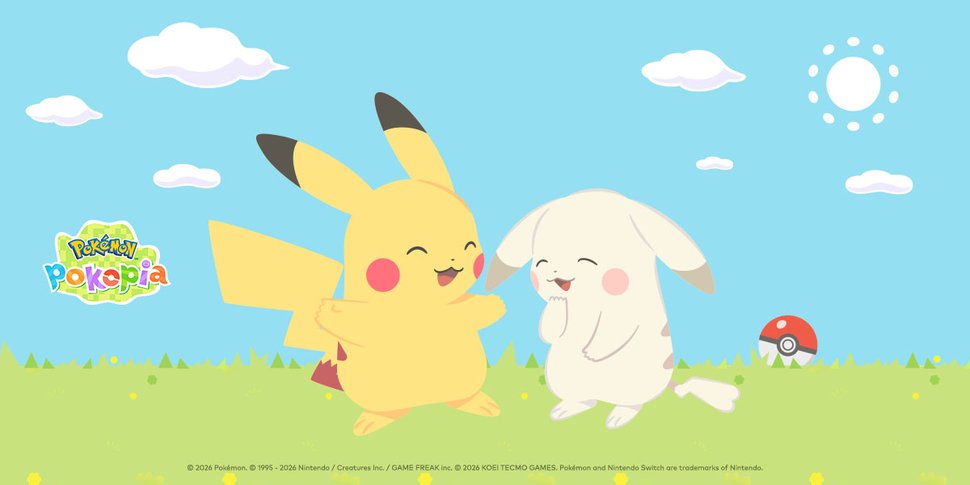
In the Pokémon Pokopia game, you can create charming towns alongside your Pokémon friends including Pikachu and Peakychu (an unusually pale Pikachu). To commemorate the release of the game, you can customize your mobile device and desktop with these adorable Pikachu and Peakychu wallpapers, inspired by Pokémon Pokopia, available now exclusively on the Nintendo Switch 2 system. Instructions for downloading to smart device and desktop computer are below.
Instructions:
- Download the file, unzip it and then:
PC Download Instructions
- Pick the size you like.
- Position your mouse cursor over the image.
- Press the right mouse button.
- Select "Set as Background" from the menu.
Mac OSX Download Instructions
- Pick the size you like.
- Drag the image to your desktop.
- Go to System Preferences and open the Desktop icon.
- Drag the image into the well.
Mobile Device Download Instructions
You can also install these wallpapers on your mobile device. If you don’t have an app to unzip the file, use a computer to send yourself an email containing the wallpapers sized for mobile. Then you can save the image to your mobile device and set it as your wallpaper.
© 2026 Pokémon. © 1995 - 2026 Nintendo / Creatures Inc. / GAME FREAK inc. © 2026 KOEI TECMO GAMES. Pokémon and Nintendo Switch are trademarks of Nintendo.
ESRB Rating: Everyone